AspenLMS – Modern Online Learning, Reinvented with AI
AI-Powered Learning That
Actually Improves Performance
Deliver training, support learners with AI, and track real performance — all in one connected platform.
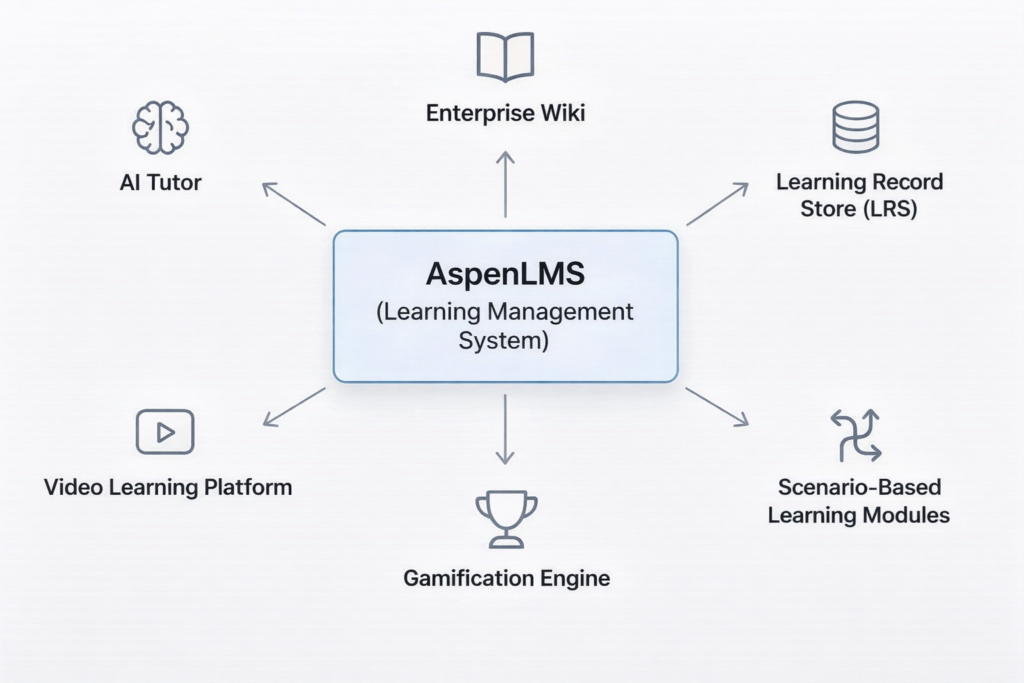
AI Connected Training Ecosystem —
Not Just an LMS
AI-Powered Learning That Actually Improves Performance
Everything works together — so you can deliver training, support learners as they learn, and track real performance without switching between systems.
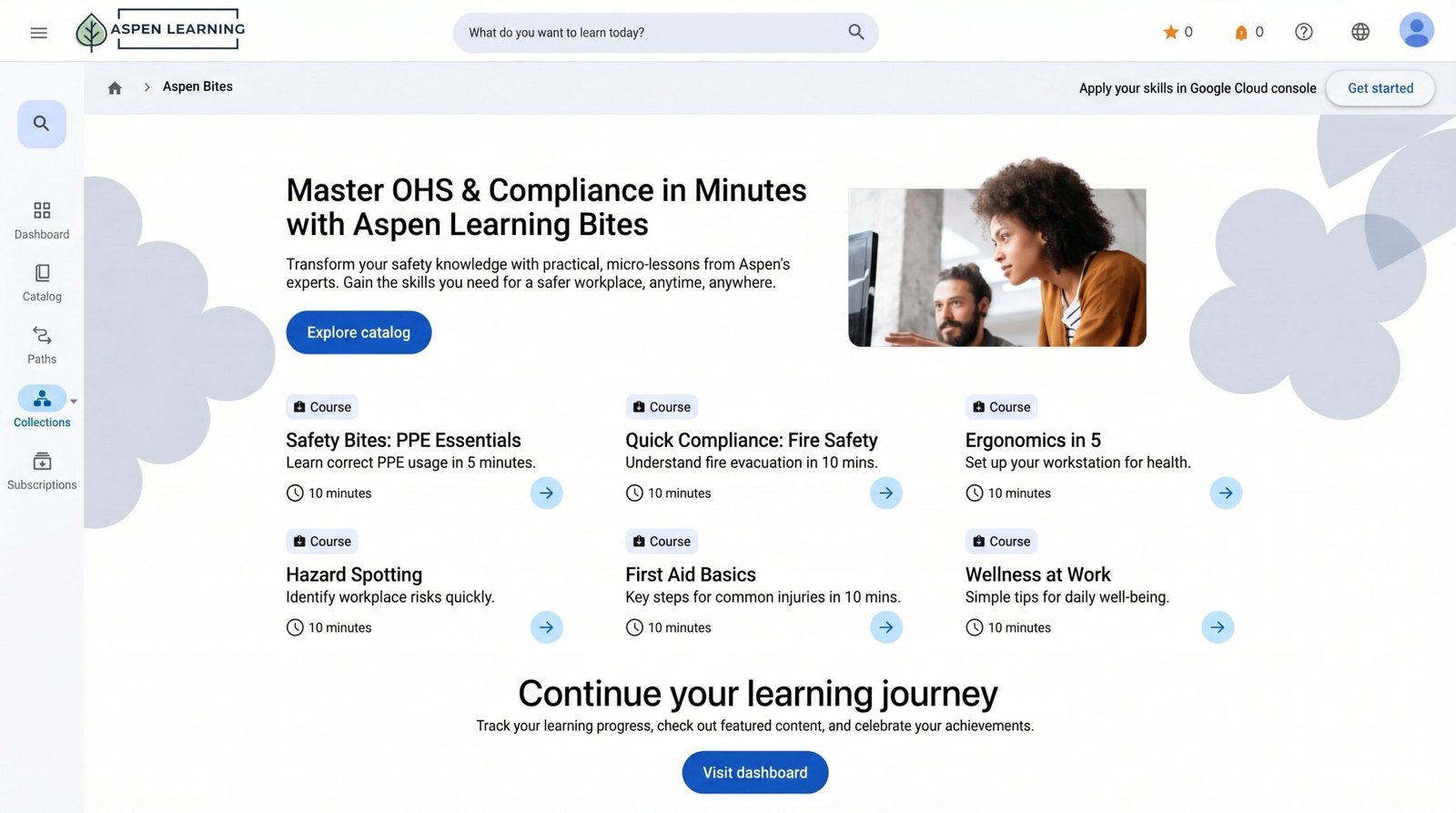
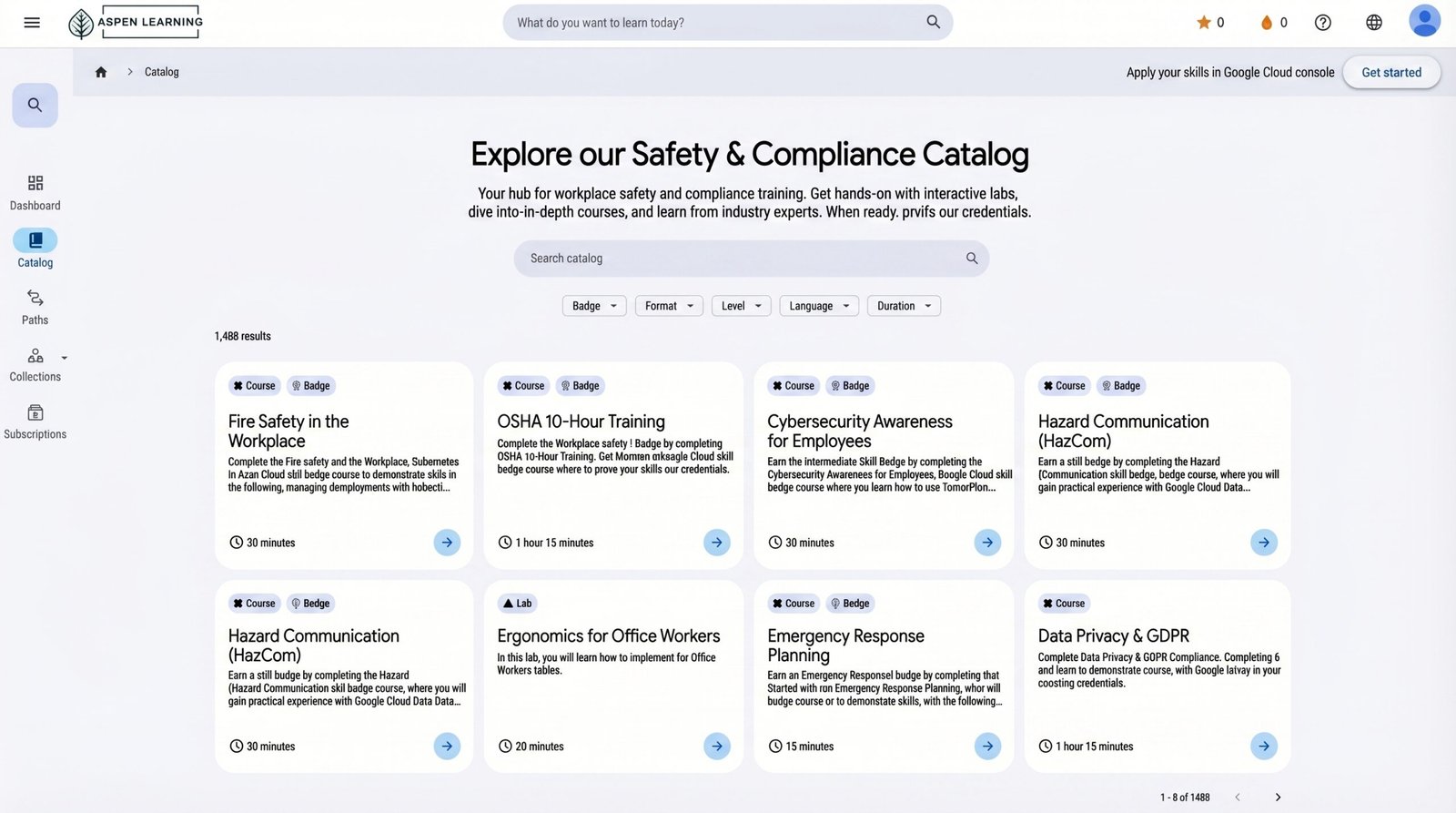
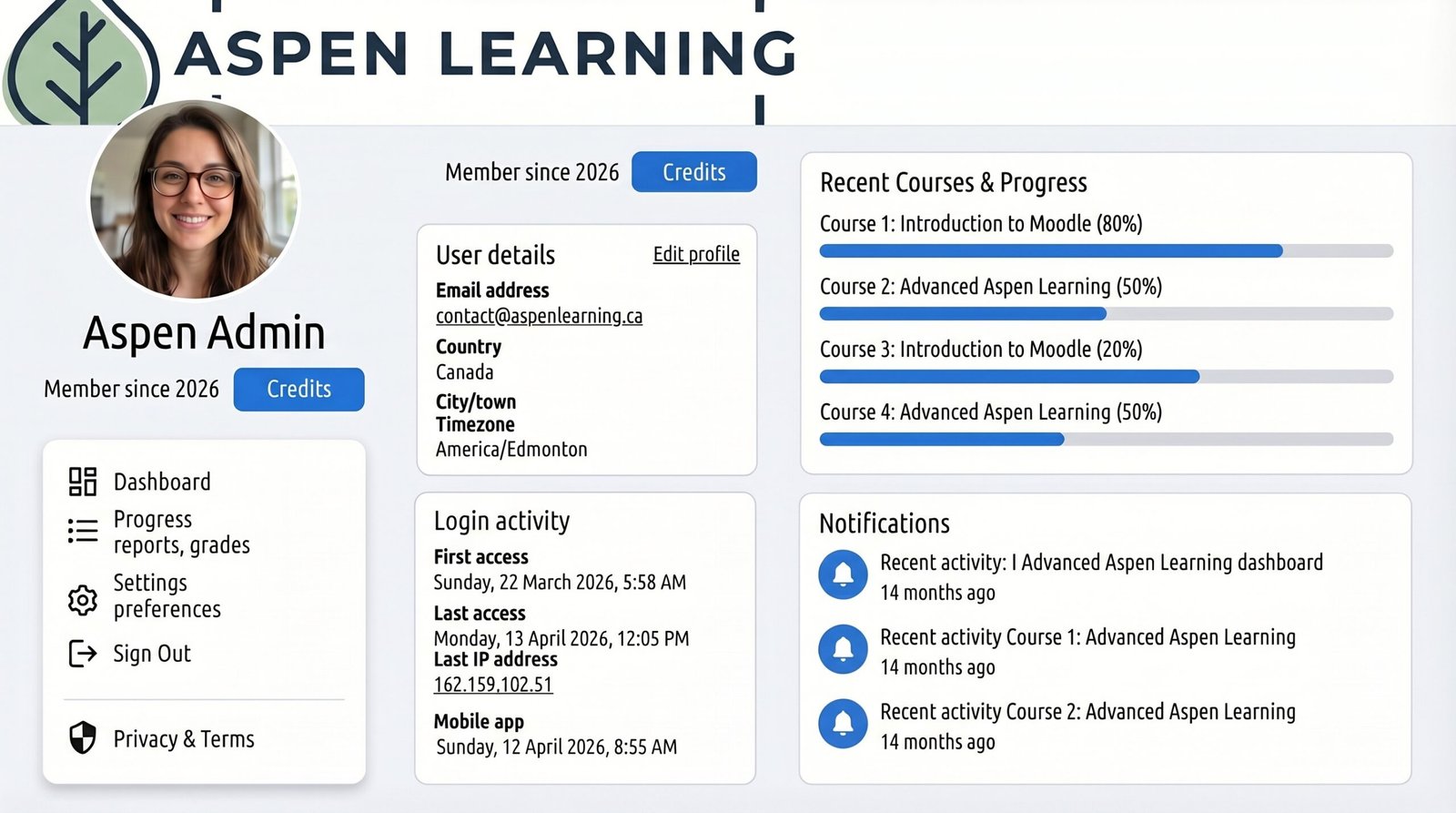
Why Choose AspenLMS
Everything you need to deliver smarter learning, stronger support, and measurable results.
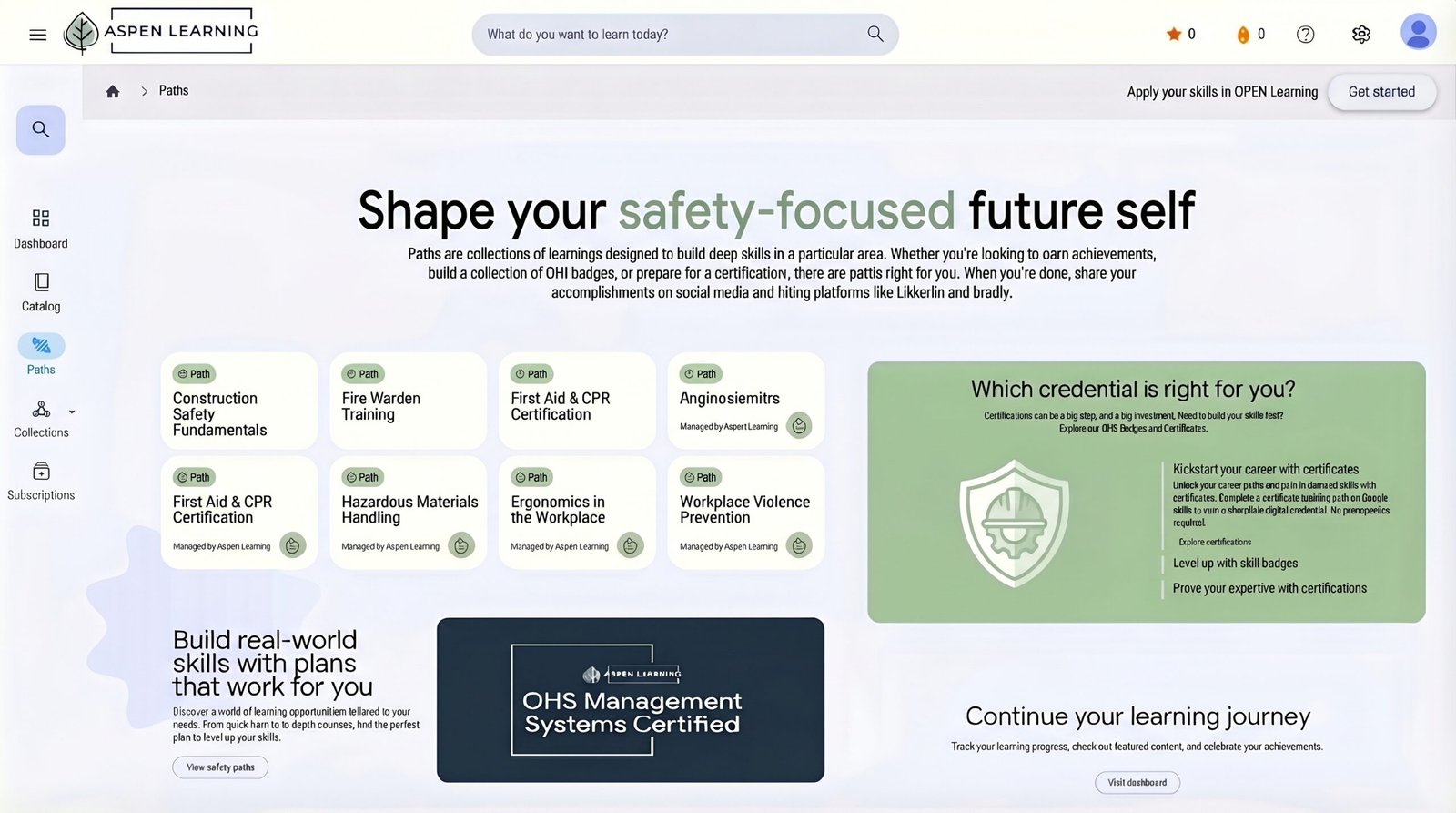
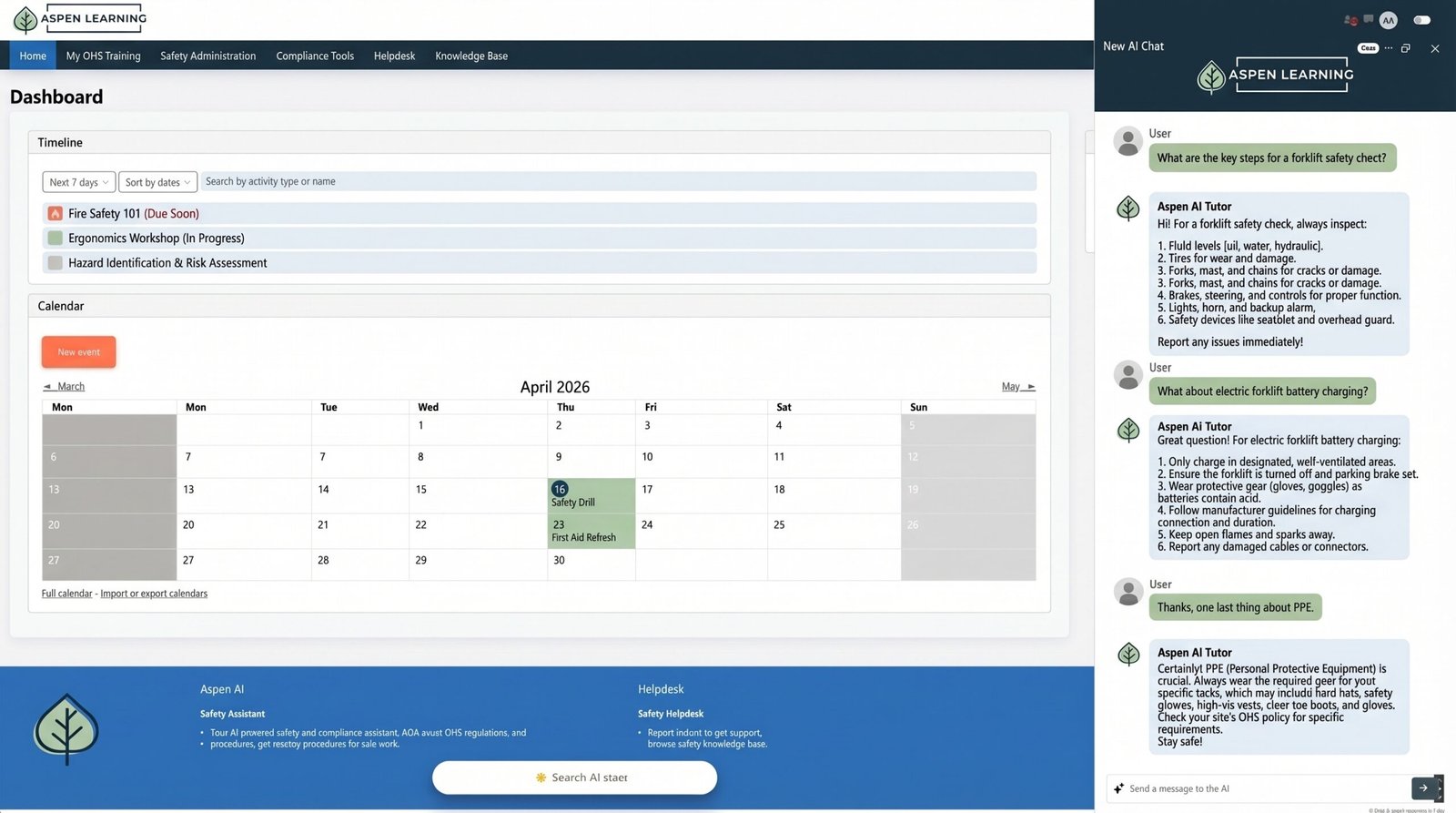
AI Support Inside Every Course — Give learners real-time help, explanations, and guidance without leaving the learning experience.
Track Real Learning Behavior — Go beyond completions with xAPI analytics that reveal engagement, progress, and performance.
Automate the Learning Journey — Trigger reminders, next steps, and personalized pathways automatically.
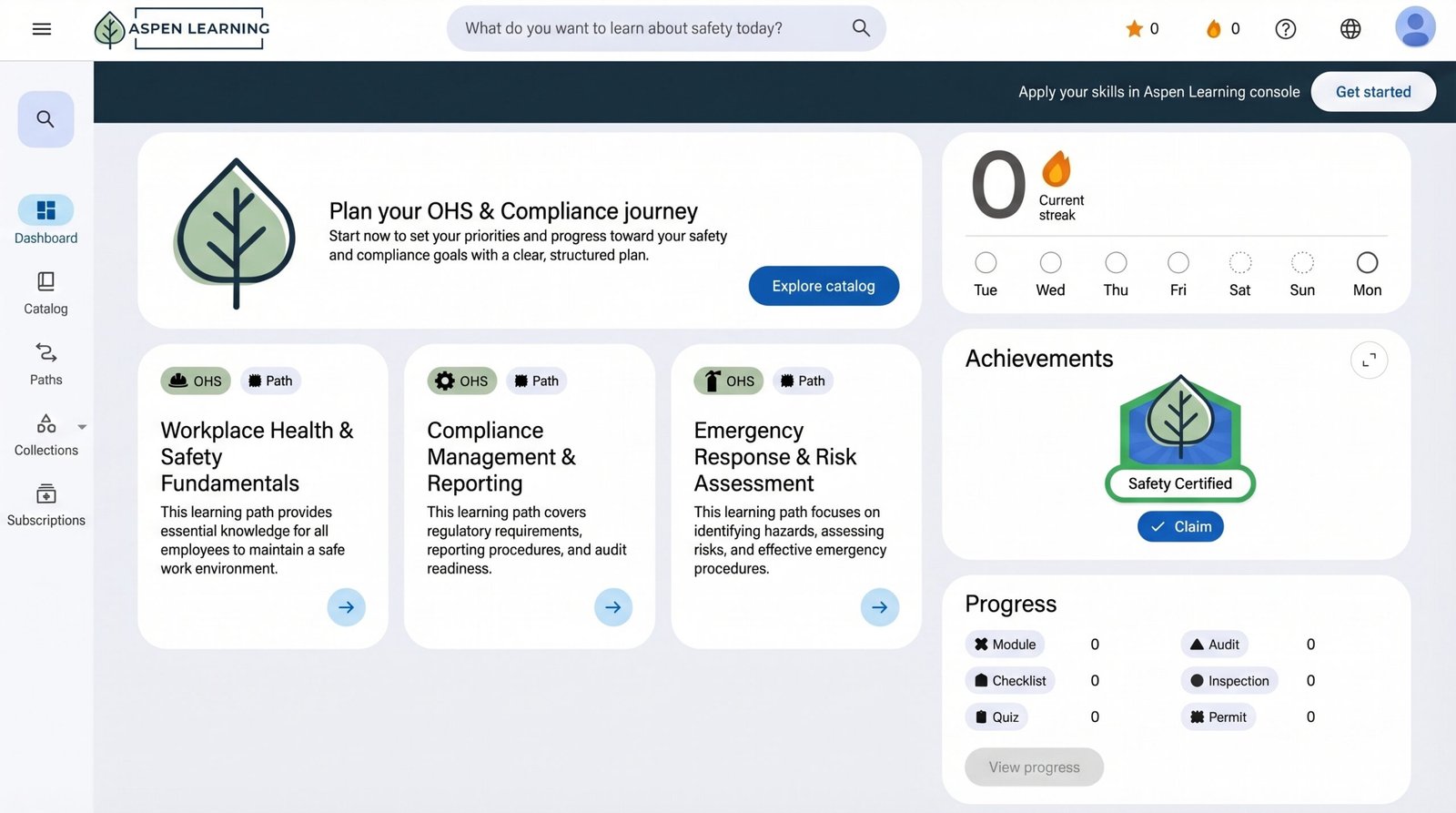
One Connected Learning System — Bring together LMS delivery, AI support, and analytics in one unified platform.
Three Core Components.
One Intelligent Learning System.
Everything you need to deliver smarter learning, stronger support, and measurable results.
1. AspenLMS - Learning Management System
Deliver, manage, and scale online learning through a modern Moodle-based platform built for real organizational training.
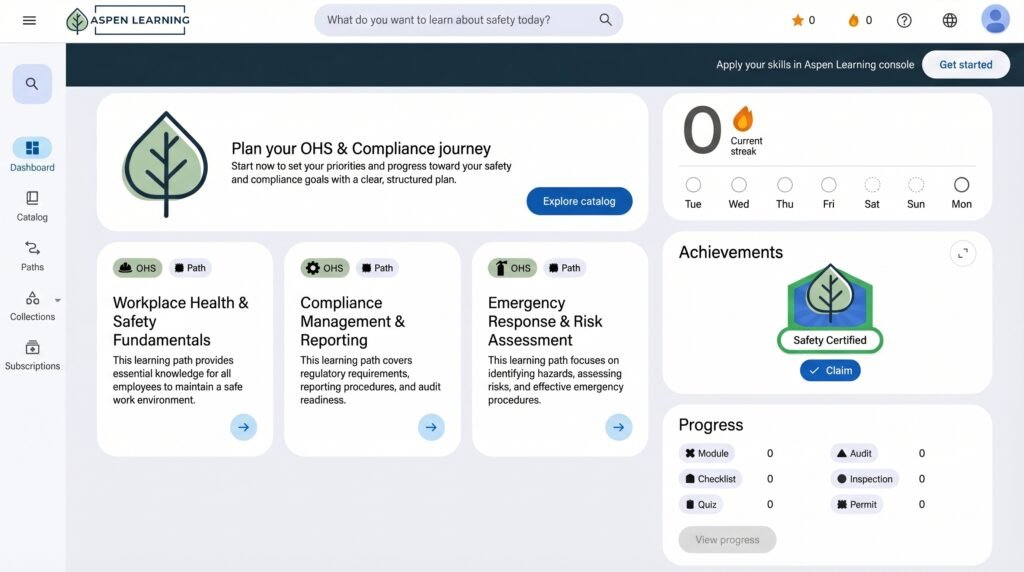
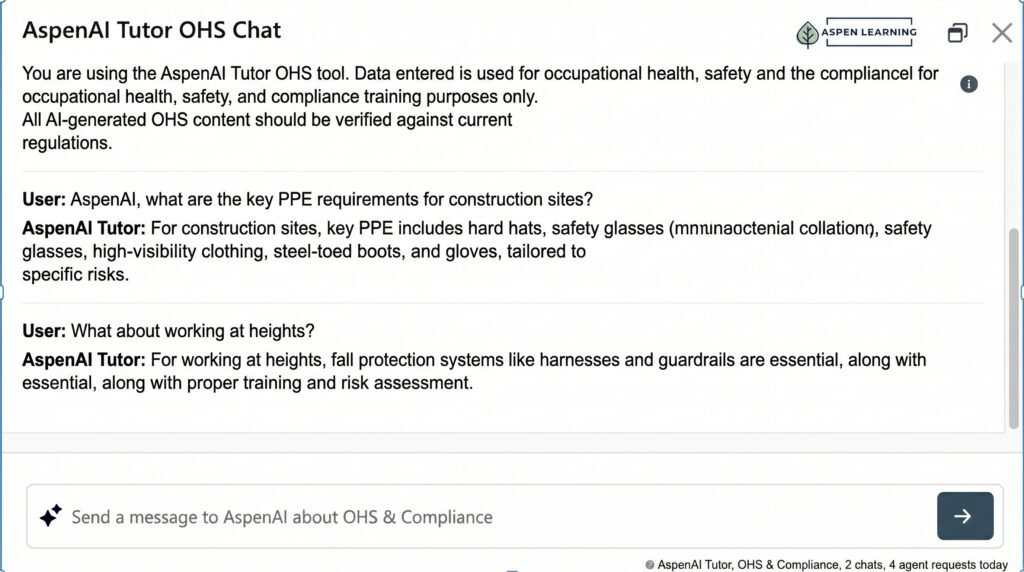
2. AspenAI Tutor - Online Training Assistant
Provide learners with contextual explanations, summaries, guidance, and multilingual support directly inside the learning experience

3. Real-Time xAPI Analytics (Learning Record Store)
Track more than completions.
AspenLRS captures real learner behavior across SCORM and xAPI experiences, giving you deeper visibility into how learners engage, respond, and perform.
learner engagement
knowledge application
decision-making patterns
performance trends


Additional AspenLMS Features
Multilingual Learning, Built In
Deliver training in multiple languages without added complexity.
AspenLMS supports multilingual learning experiences, allowing learners to access content, navigation, and Al-powered support in their preferred language.
- English, French, and Spanish support
- Localized learner interface and navigation
- AI-assisted translations and multilingual guidance
- Scalable for global or multi-region teams
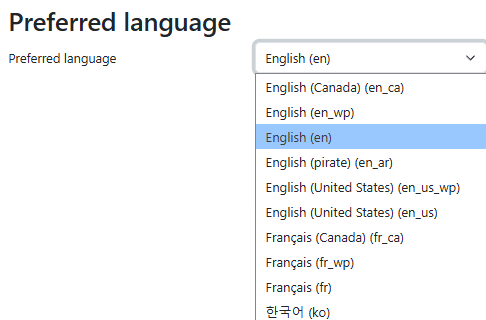
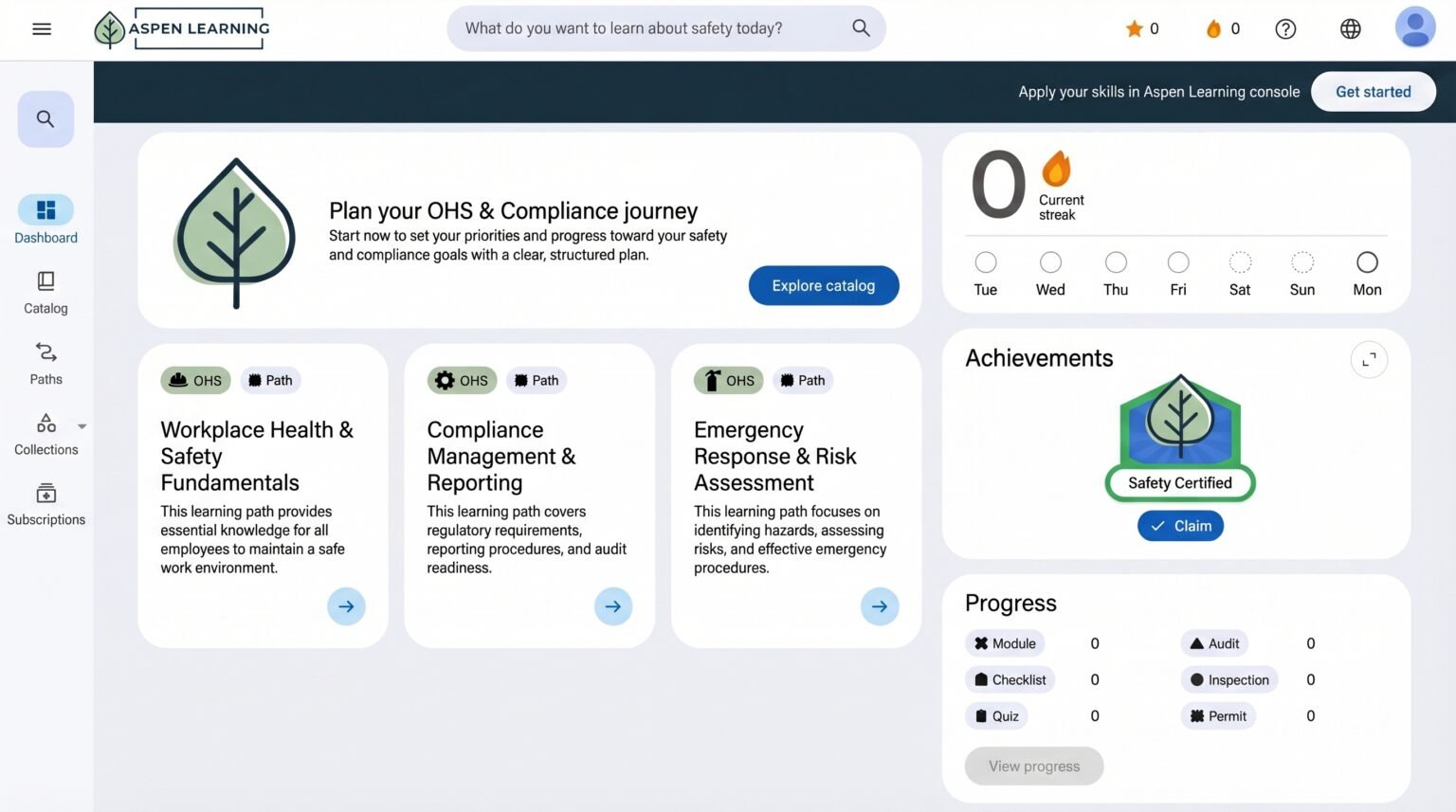
Multilingual Learning Support
Apprentissage multilingue
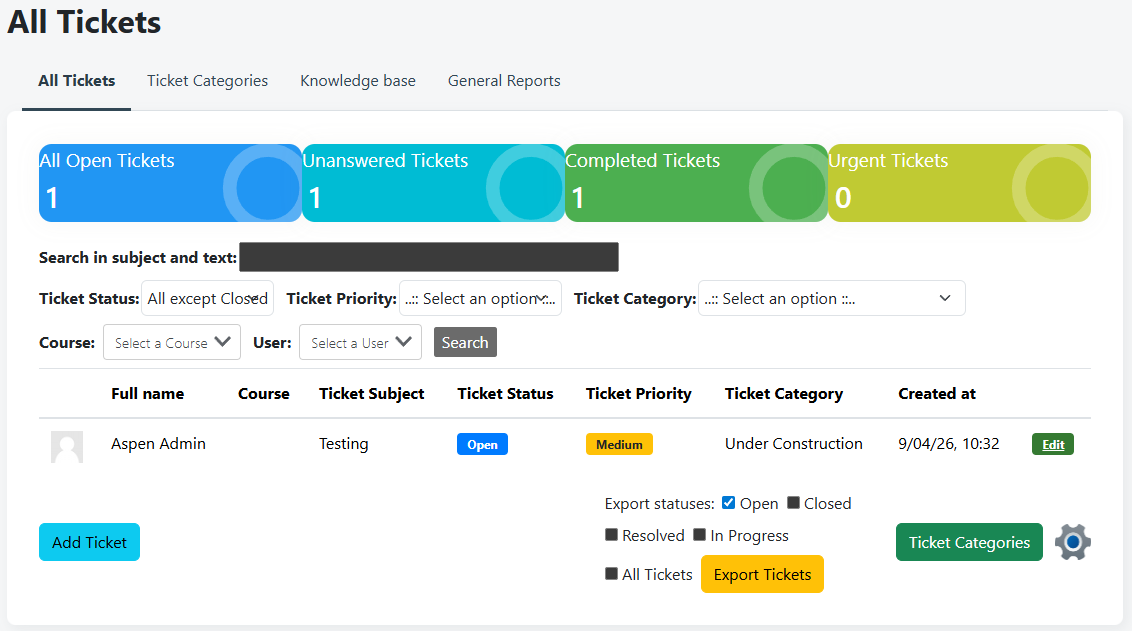
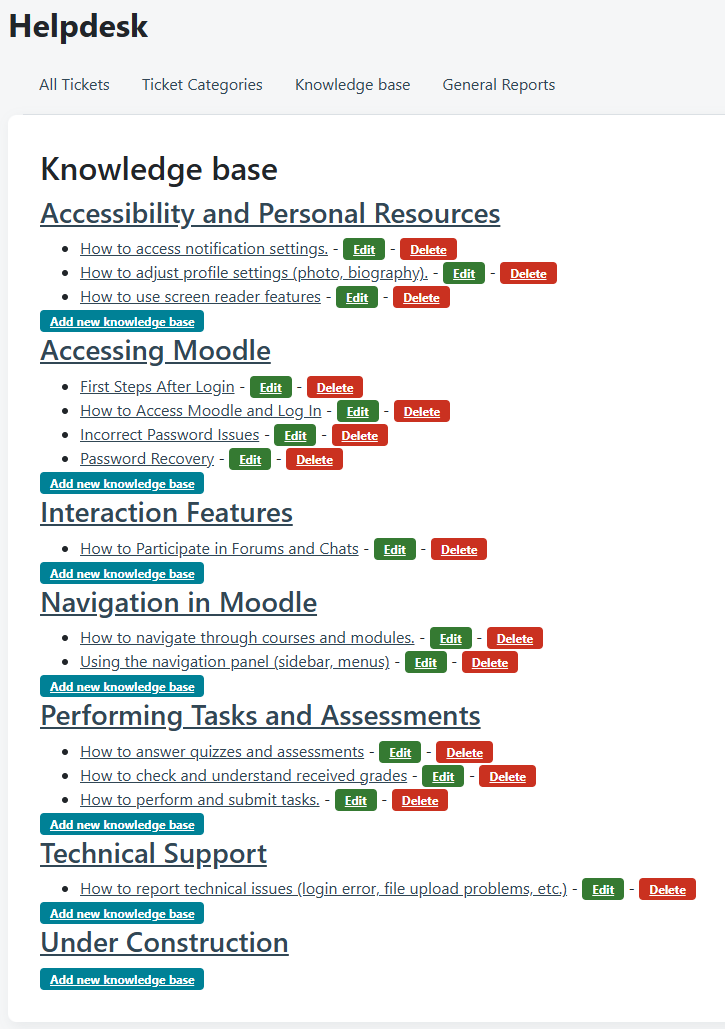
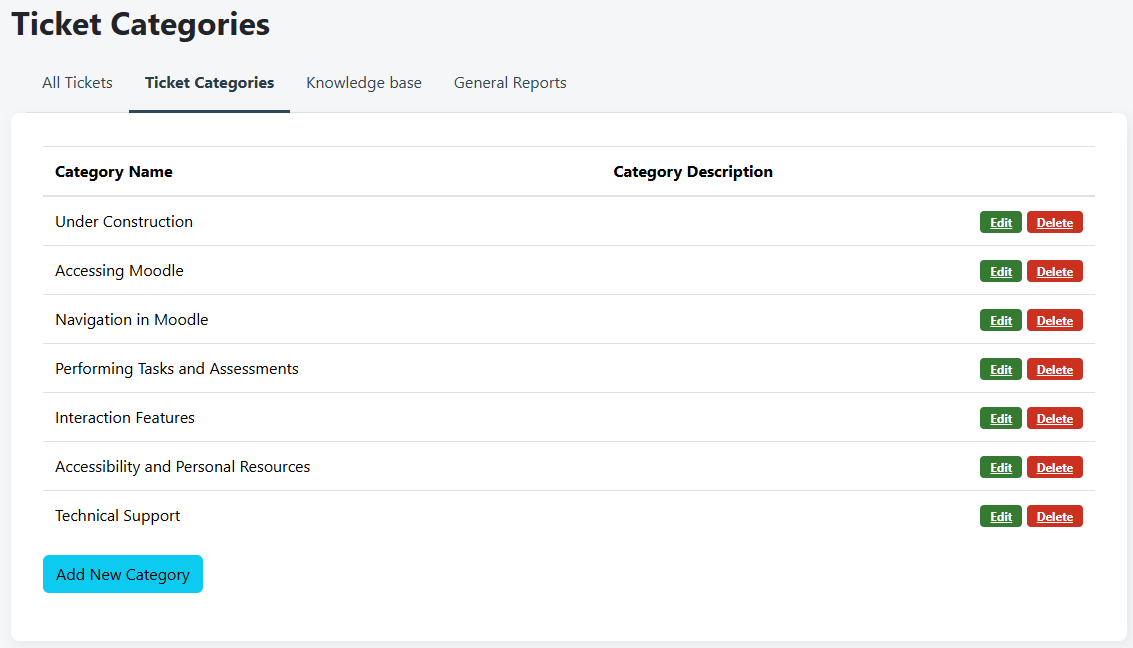
Support HelpDesk with Ticketing System
knowledge base resources, and common help content – all within the platform.
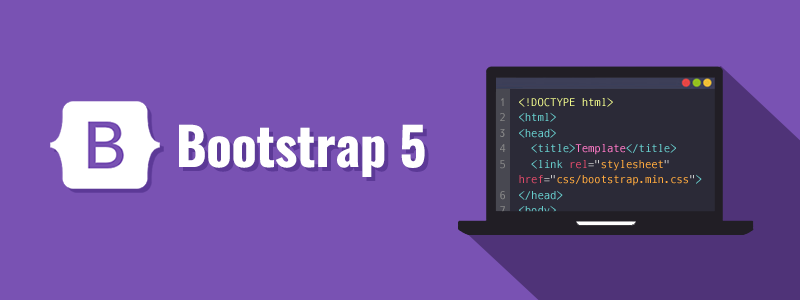
Fully Responsive Across All Devices
Built on Bootstrap 5, bringing a cleaner, more flexible front-end framework that makes the interface easier to use and maintain.
Access AspenLMS seamlessly on Chrome, Edge, Firefox, and modern browsers – with a clean, consistent experience across desktop, tablet, and mobile.
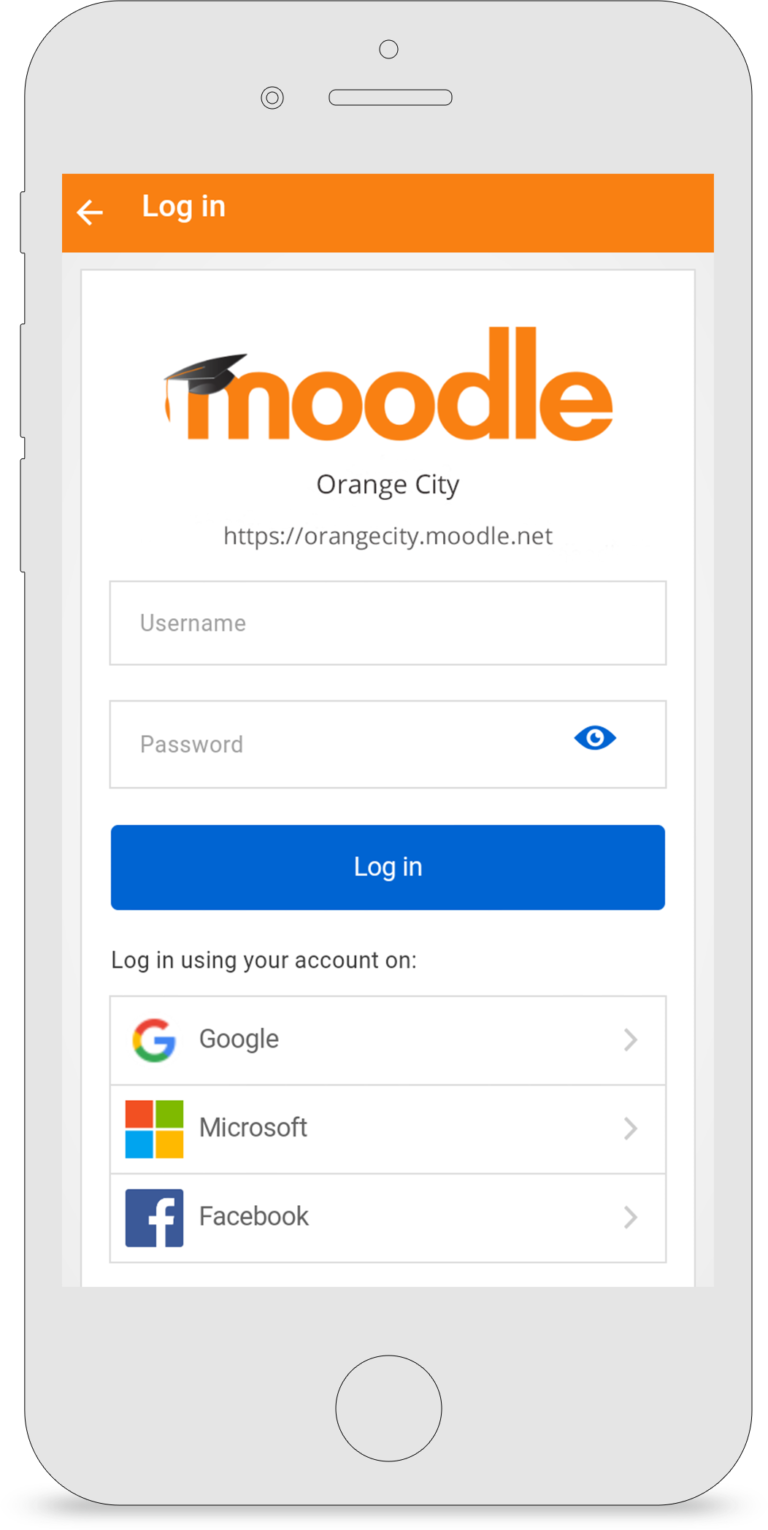
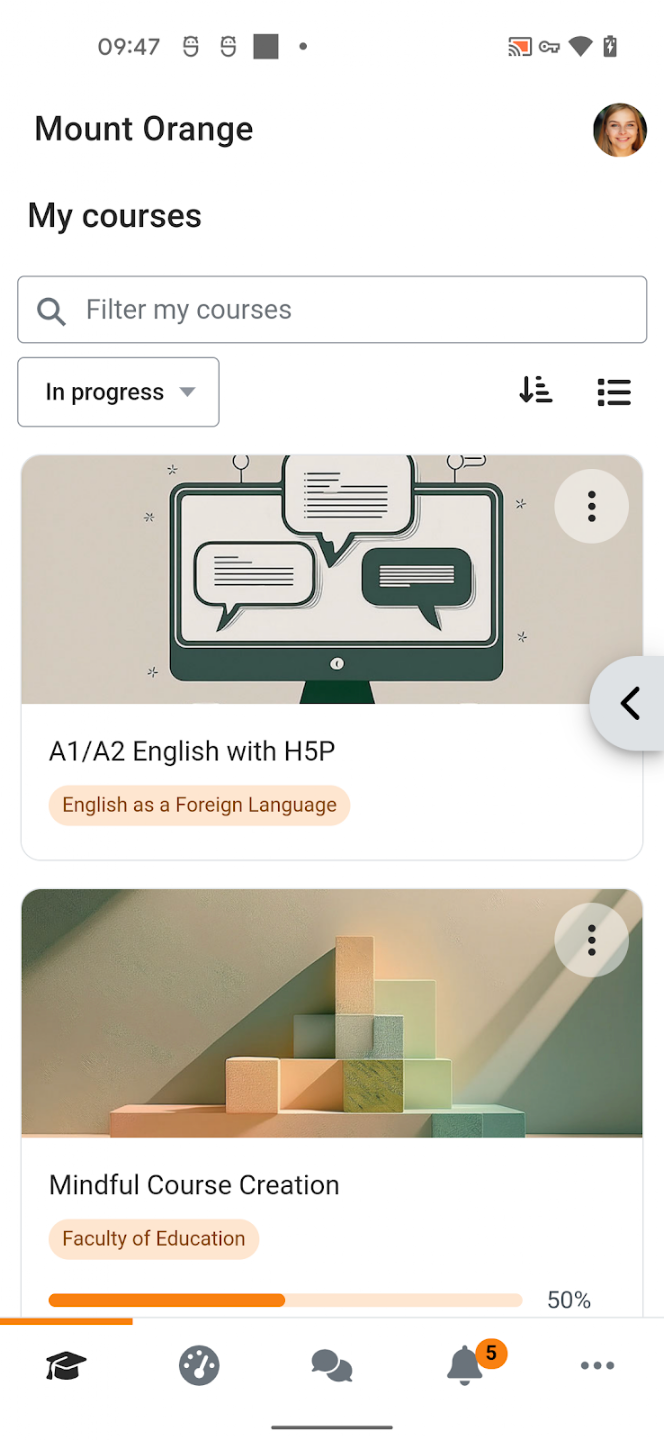
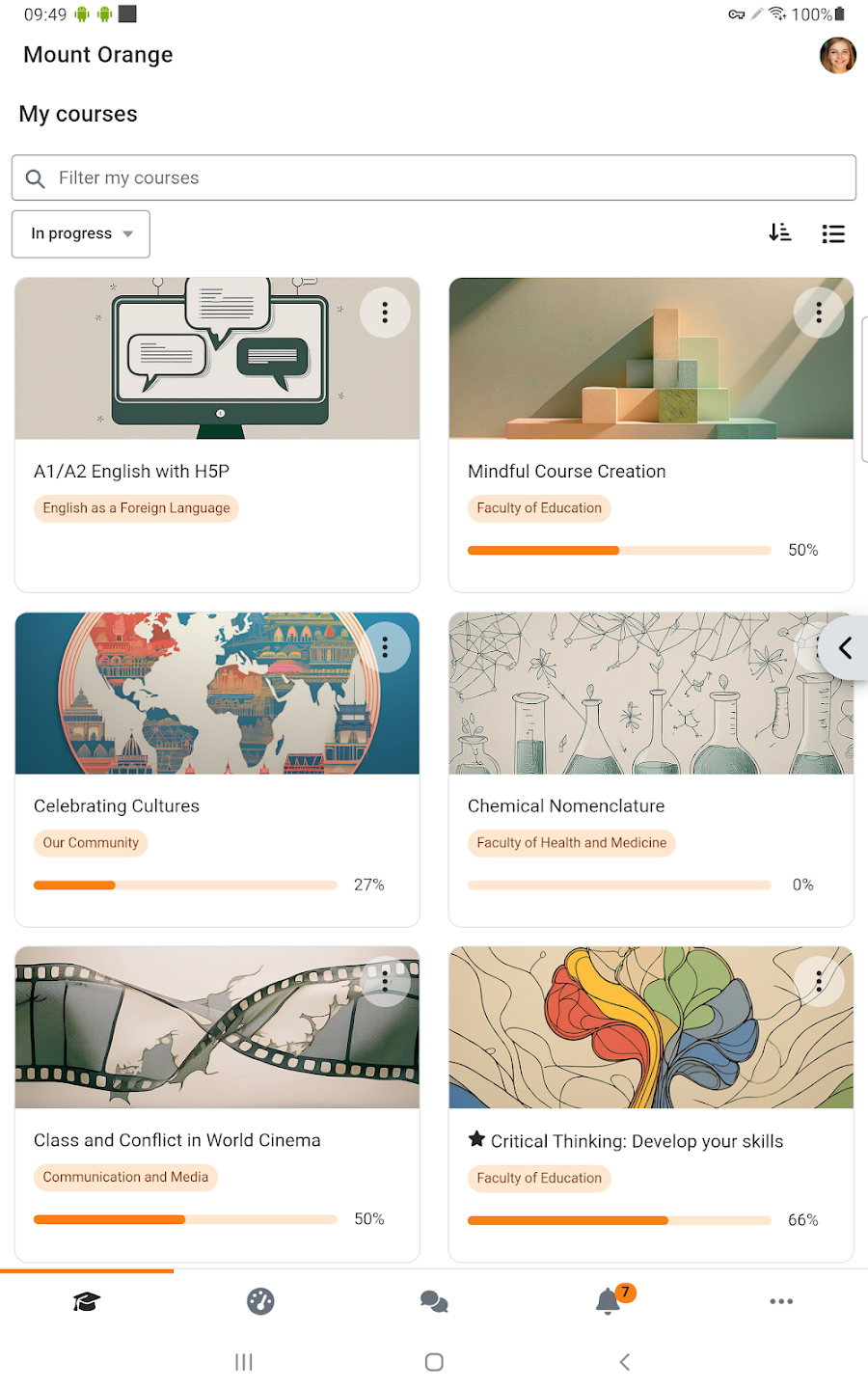
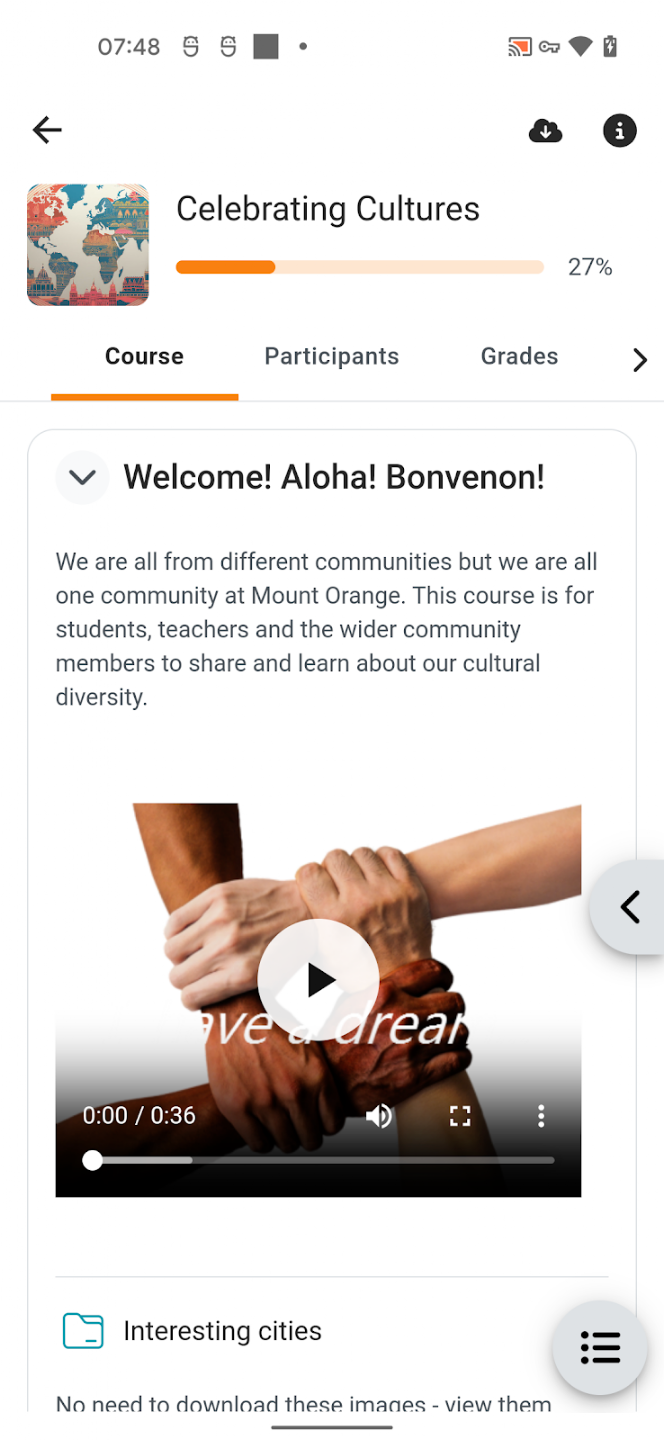
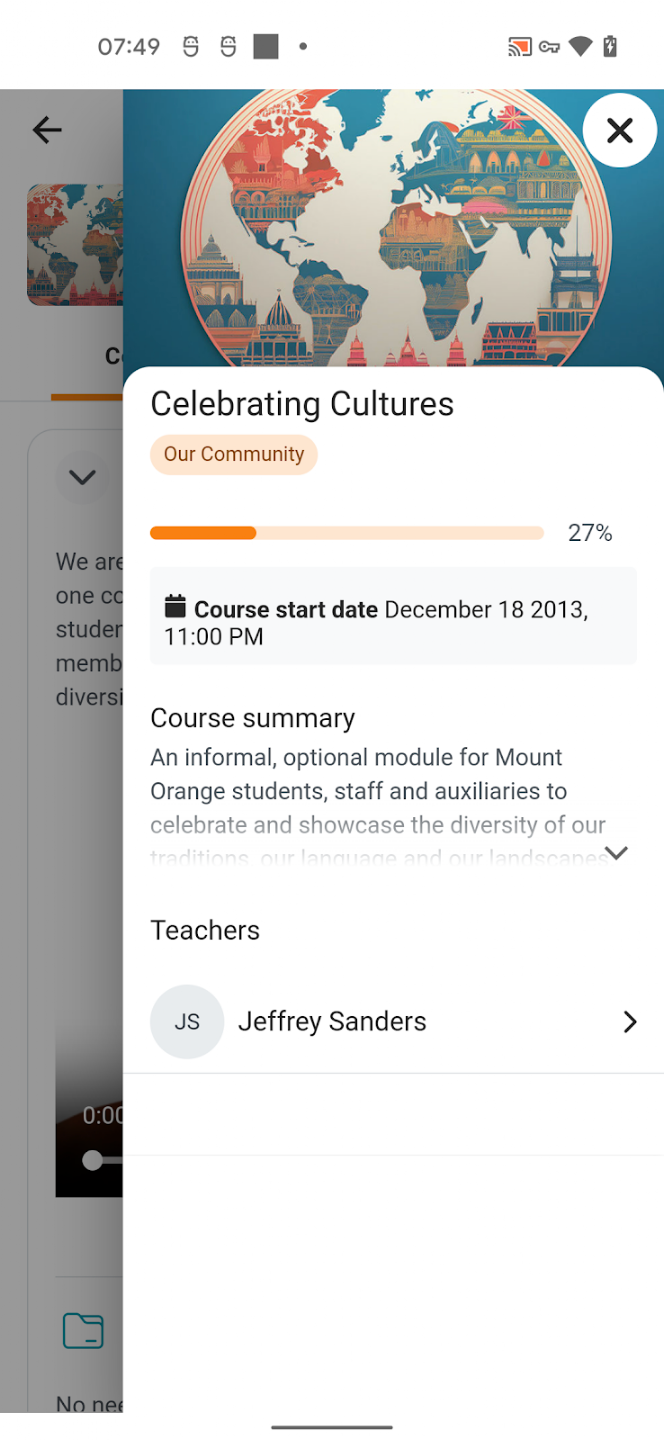
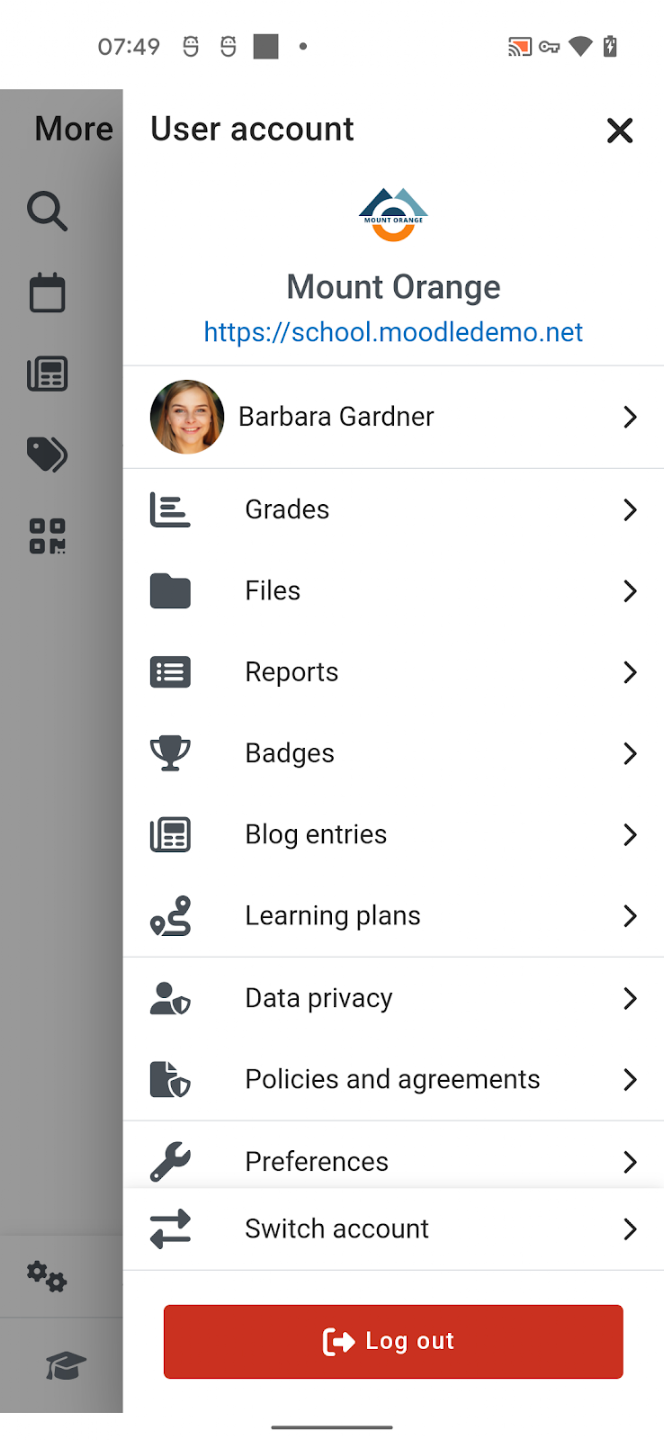
Full Mobile Learning Experience
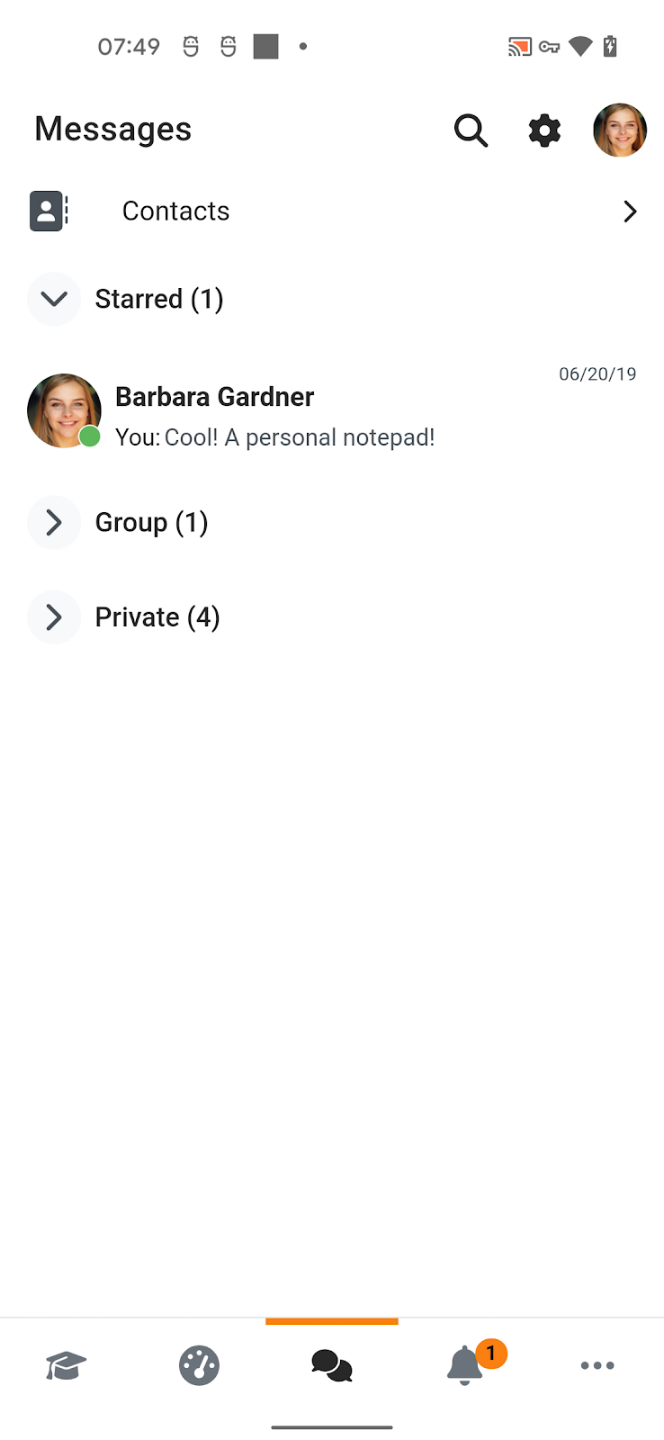
Access courses, complete activities, and track progress from any device – with a fully responsive platform and dedicated mobile app.
With the Moodle app, you can learn wherever you are, whenever you want, with these app features:
- Easily access course content – browse the content of your courses, even when offline
- Connect with course participants – quickly find and contact other people in your courses
- Keep up to date – receive instant notifications of messages and other events, such as assignment submissions
- Submit assignments – Upload images, audio, videos and other files from your mobile device
- Track your progress – View your grades, check completion progress in courses and browse your learning plans
- Complete activities anywhere, anytime – attempt quizzes, play xAPI/SCORM packages, and more – both on and off-line

How the Aspen Learning System Works
1. Deliver training through AspenLMS
2. Support learners with AspenAI Tutor
3. Capture behavior with xAPI and LRS
4. Use insights to improve performance
One system. Continuous improvement.
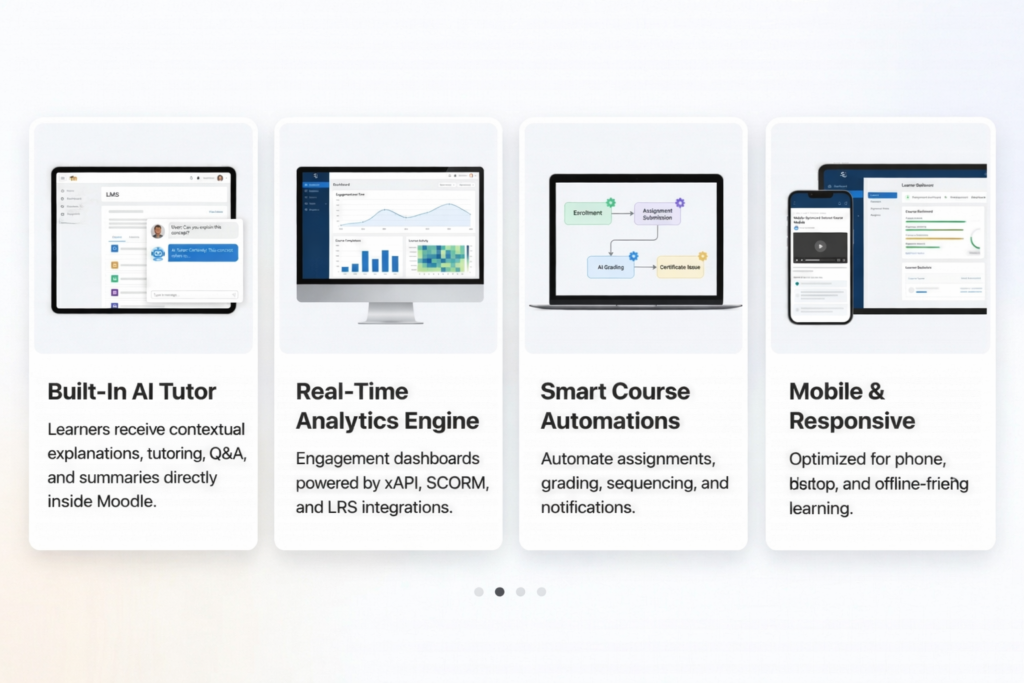
Key Features of AspenLMS
Embedded AspenAI Tutor
Smart Course Automations
Real-Time Analytics Engine
xAPI + LRS Tracking
Full SCORM & xAPI Compliance
Mobile and Responsive Learning
Security Features of AspenLMS
Strict Password Policies
USB Security Key Tokens
MFA Required during Signin
Recaptcha Bot Protection
Single Sign-On (SSO)
IP & Domain Restrictions
FAQ
Which LMS platforms do you support?
AspenLMS is centered on Moodle, with support for interoperability across platforms, standards, and imported learning content such as SCORM and xAPI packages. Future LMS Platforms will include OpenEdX and Canvas.
Can we migrate from a legacy LMS?
Yes. We can support migration planning, content transfer, and modernization from legacy LMS environments depending on the source platform and content structure.
Do you support multi-department reporting?
Yes. AspenLMS can support department, team, role, and location-based reporting through connected analytics and LRS workflows.
How do you personalize learning?
AspenLMS personalizes learning through AI tutor support, adaptive recommendations, automations, and behavior-driven analytics.
What about security & compliance?
Robust Security & Privacy – AspenLMS is built with a “security by design” approach. It includes advanced encryption, regular security updates, and a “Security Overview” report for admins. It also features built-in tools for GDPR compliance and data privacy, such as the ability to define data retention periods and manage user consent.
Ready to Experience AspenLMS?
- Launch AI-supported learning inside live courses
- View real-time xAPI and LRS dashboards
- Explore automated learner journeys
- See analytics, support, and delivery in one connected platform
Let's Build an LMS into
an Intelligent AI System
AspenLMS connects delivery, AI support, analytics, and automation in one measurable learning ecosystem.